My Program Architecture
I would like you to know how I am programming, so maybe you can learn programming and do it too.
I have created 3 generations of the same application, over the course of four weeks.
Each is based on the concept of a tiling window manager, instead of dragging windows on your screen…
Which is pretty childish, when you think about it.
I split my screen and sometimes panes, either vertically or horizontally.
My equivalent of window, the pane, is always positioned perfectly with geometric precision.
I can have multiple virtual screens of such arrangements, and this takes care of all my UI needs.
The first applicaion was called application-framework, and I abandoned it because it was pulling data.
To pull data, as in pull a door handle, is to check a value of a variable and act on it.
That is the bad and old way of programming, you have to have your values pushed.
That is you subscribe to one or more variable that you need together, and they will notify you when any of them have changed.
So that you can set this up one, and forget it, and your user interface, and it it is most always UI automatically updates.
I called the second generation application-magic, here all my values were pushed.
And I had good success creating complex apps, however AI would get too creative with code.
And I found the apps too complicated internally, though they were all rather sound on the surface.
The third generation is called application-registry, this is where I largely completed my systems architecture.
It is a registry, meaning, the contents are raw packages, that must yet be assembled, and many depend on one another.
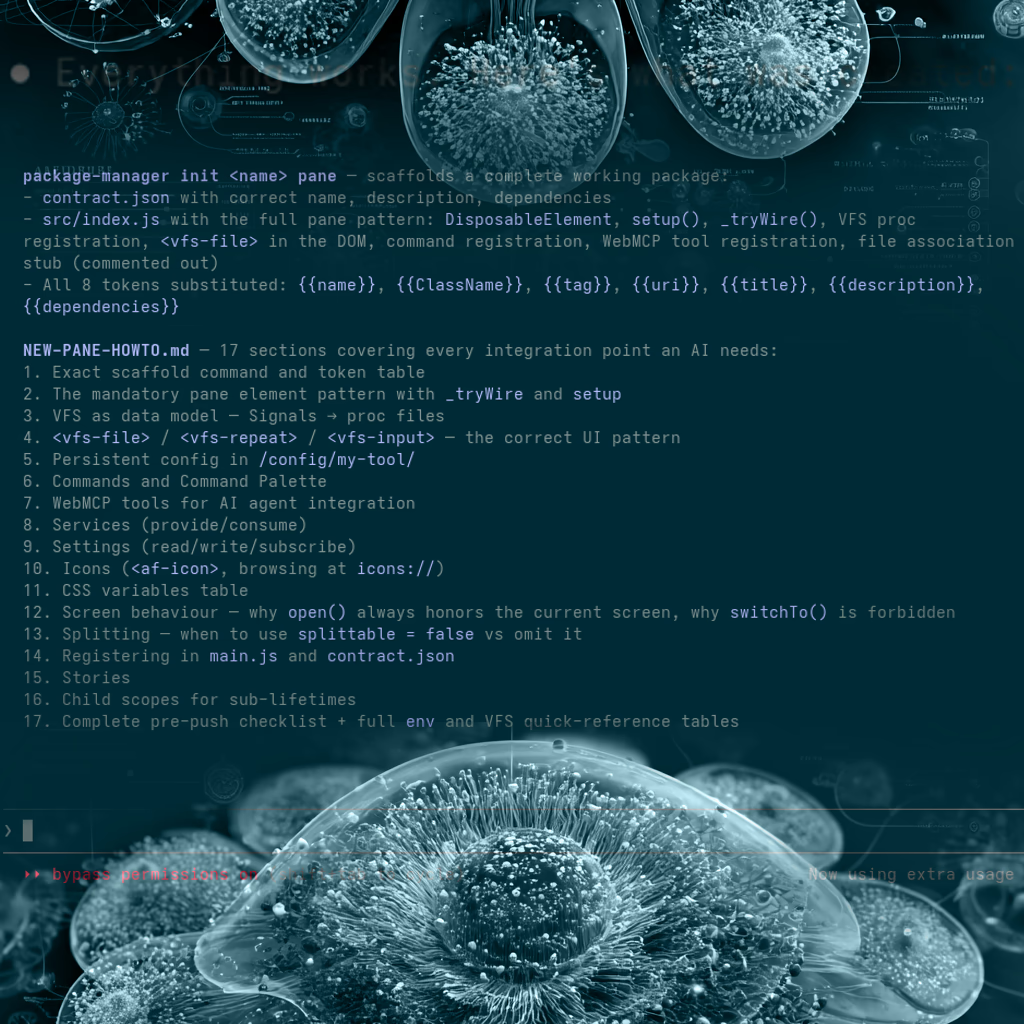
For this purpose I creates a package-manager command, the only command that is ever used to manage the whole.
My test application is currently called bare-bones, coming in at about static hosting friendly 30 packages.
To clarify, I do not run application-registry like the two other programs, I say package-manager install bare-bones
And then enter bare-bones directory and say package-manager start, which starts the bare-bones application.
I will soon create kitchen-sink which requires a custom HTTP server, and is able to write to the host’s disk and call remote AI and such.
My package manager does not version packages, it works beautifully.
I can publish new applications or updated applications, and then it does create a zip file in .history folder.
My most favorite feature is init, the new package initialization system.
As it allows AI to say: package-manager init pane, or service, or library.
It is an initialization and scaffolding system, that gets the AI started, and includes documentation.
The end-user applications, are still push based, but I also solved the problem of AI being confusing or too creative.
I exposed the internal data model of ALL my applications, as a virtual file system.
An actual tree of folders and files, that you can brows with the built-in file explorer.
My panes and applications, in about 14 hours, when my AI forgives me, will all be upgraded to expose their data models.
For example, my text-editor, a sample pane that I use for testing, will have a recent files file, that lists all the recent files it opened.
And that file, is used in creation of the open menu of my text-editor, and if I change it through the text editor in another pane.
Both of the recently opened files menus will reflect those changes, so the data model that seeds the UI is in the virtual file system.
The contents of the file being edited before they are saved, they are also in the virtual file system model.
All parts of the running application are in the virtual file system, and while it is cool that they are live.
I can now at a glance see how the AI created my apps, and how it structured the data model, by just looking at folders and files.
I wrote my application system in web technologies, and I emphasized static hosting so that it is easy to share the apps.
To do this in an architecturally sound, I created a library of vfs-* web components.
The most important one being a vfs-repeater, that goes over files in a directory presenting them as UI to the user.
And I can mount remote disks from the internet, but those are exotic features, and toys.
After all, I have the package manager, to set up my real dependencies.
Now, I need to tell you how I did this successfully, I have been programming since I was a child.
And I have enjoyed failing, seeing it as a game, and an opportunity to invent a better way.
I did invent many things, and no you don’t need to program since the age of 9.
My inventions confuse the AI, it takes too much to explain them.
So to explain to the AI what I need, I speak in similar but larger ideas.
I did invent the virtual file system, but more dedicated people than me did it better.
And I tell the AI I wan those file system, not my person version but the bug ones.
And the AI understands that, it is all over its memory.
In as single paragraph, my advice is:
Don’t ask the AI to visualize a tree of your data, ask it to create a tiny virtual file system and a file explorer.